You can now add Global Discount Codes which allows you to create a single discount code that can be applied across multiple rate plans, instead of setting up individual discount or promo codes per rate plan.
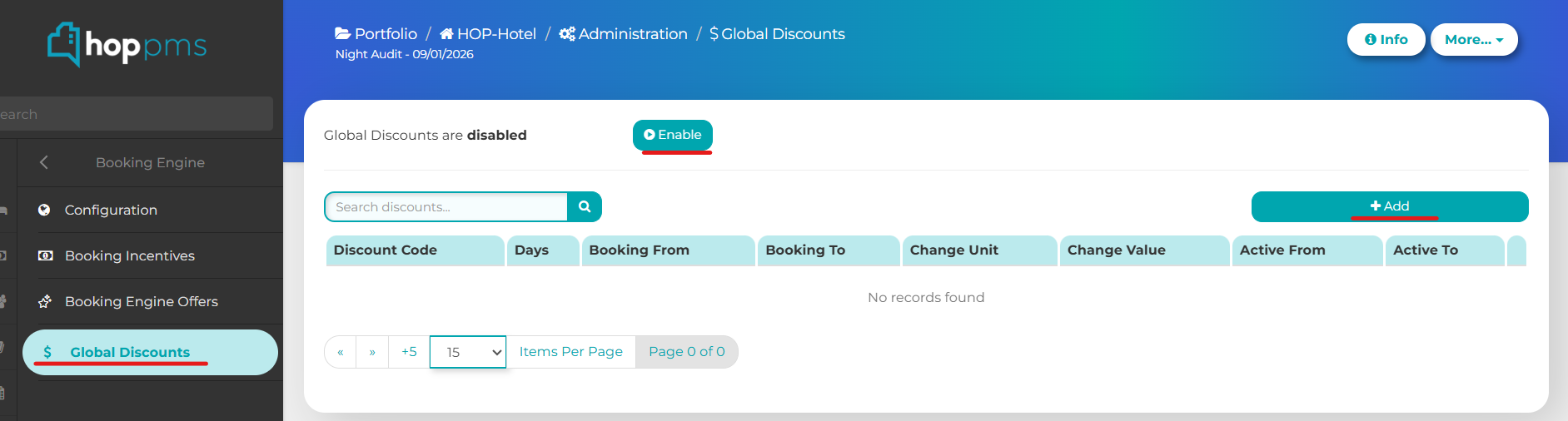
To do this go to Administration > Booking Engine > Global Discounts.
Next - Toggle Enable Global Discounts to on/off
Click add to configure and save changes
Note: Global Discounts do not override existing rate-level promo/discount code
Was this article helpful?
That’s Great!
Thank you for your feedback
Sorry! We couldn't be helpful
Thank you for your feedback
Feedback sent
We appreciate your effort and will try to fix the article